
ChatGPT Business Hub: How to Claim Your Business and What It Means for SEO in 2026
OpenAI now lets eligible businesses claim their profile in ChatGPT, keep their information current, and see how often they’re mentioned and clicked. Here’s what Business Hub does, how to claim your business step by step, and what it changes for SEO, AEO and GEO.
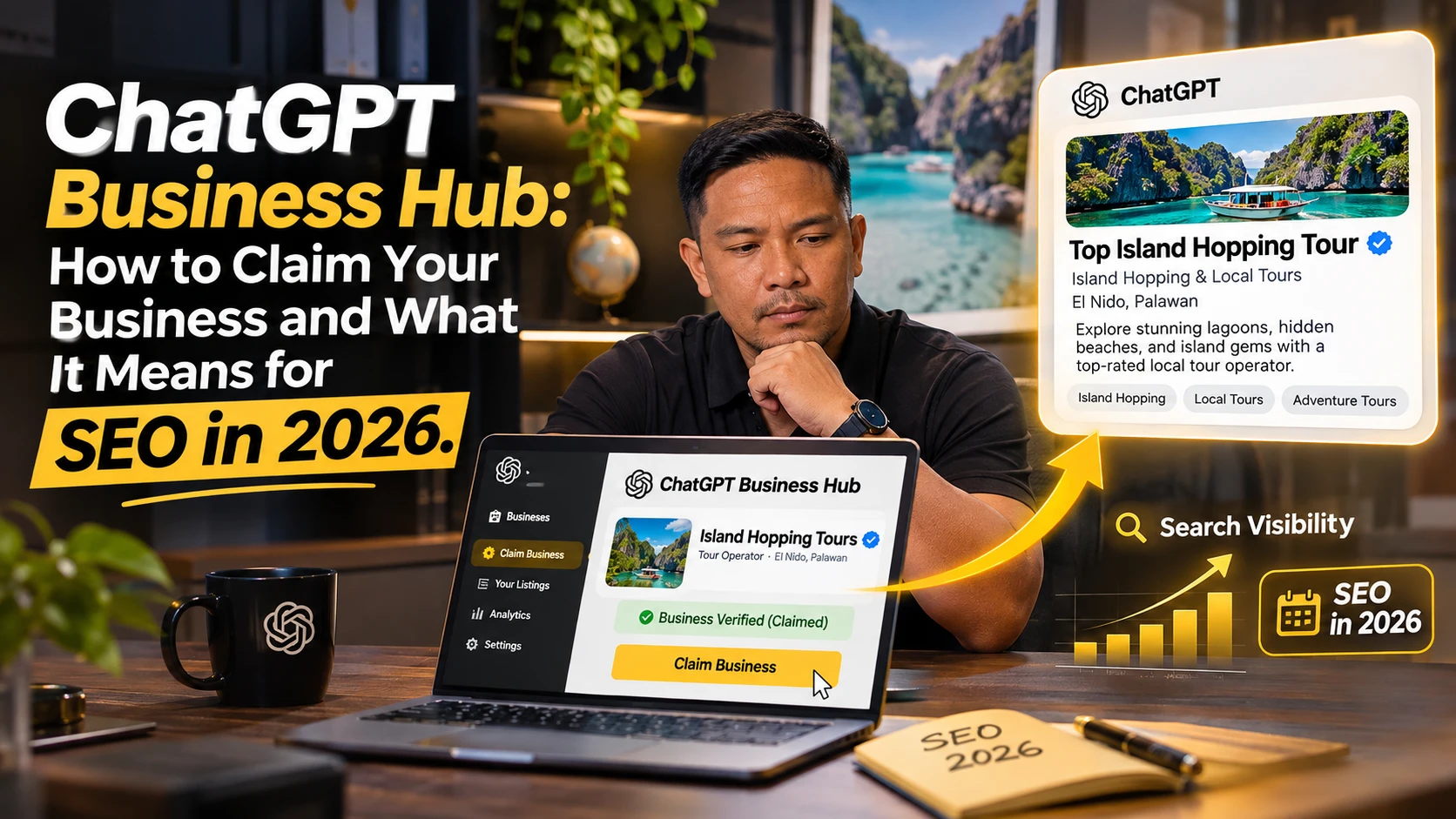
- ChatGPT Business Hub launched in beta on November 10, 2026. It lets eligible businesses claim their profile in ChatGPT, update key details, share product feeds, and view aggregated insights.
- Insights cover mentions, website clicks and discovery topics over the past 28 days. Businesses never see individual prompts or conversations.
- Claiming involves verifying your connection to the business (phone, business email, DNS record or Shopify), then identity verification with Persona.
- Business Agents are currently limited to eligible ecommerce and online service businesses in the U.S.
- Claiming your business doesn’t guarantee more visibility or better placement. OpenAI says ChatGPT’s recommendations stay independent and ads don’t influence them.
ChatGPT Business Hub is OpenAI’s tool for businesses to claim and manage how they’re represented in ChatGPT. Once verified, a business can update its profile, connect product feeds, and see how often ChatGPT mentions it and sends clicks to its website.
For years, businesses have managed their online visibility through Google Business Profile, Google Search Console and traditional SEO tools. But more people now use AI assistants to compare products, research service providers and decide who to buy from. That makes it important to understand how your business shows up beyond the classic search results page.
OpenAI announced Businesses in ChatGPT in beta on November 10, 2026, saying it gives businesses “a new way to connect with the 1.2 billion people who use ChatGPT each week.” Business Hub is the interface at the center of it. This guide explains what it does, how to claim your business, and what it means for SEO and answer engine optimization.
What Is ChatGPT Business Hub?
ChatGPT Business Hub is a management interface inside ChatGPT where business owners and authorized representatives can claim their business, provide business details and product information, and see how people engage with it. You open it from the ChatGPT sidebar or at chatgpt.com/business-hub.
At launch, it includes five main capabilities:
- Business profileClaim and verify your business, then update its website, description, category, logo and policies.
- Product feedsShare product details, prices and availability through Shopify or a CSV feed.
- Visibility insightsSee mentions, website clicks and discovery topics from ChatGPT.
- Business AgentsEligible U.S. businesses can publish an AI assistant that answers customer questions.
- Shopify integrationConnect a Shopify store to simplify verification and sync products from Shopify Catalog.
Why ChatGPT Business Hub Matters for SEO, AEO and GEO
Traditional SEO helps websites appear in search engine results. Businesses optimize pages, earn links, improve technical performance, and publish relevant content to rank on Google and Bing.
AI-powered discovery adds another layer. Instead of typing a keyword and scanning ten links, people ask ChatGPT full questions, such as:
ChatGPT may answer by naming relevant businesses, comparing what they offer, and citing sources. That’s where two related disciplines come in:
- Answer Engine Optimization (AEO): structuring your content so AI assistants and answer features can understand it, trust it and cite it.
- Generative Engine Optimization (GEO): improving how your brand is represented and referenced in AI-generated answers across platforms like ChatGPT.
From search rankings to AI recommendations
In traditional SEO, businesses compete for positions on a results page. In AI search, visibility also means whether your business is mentioned, cited or presented as an option inside an answer. Until now, businesses had little first-party data on that. Business Hub gives eligible businesses an official view of some of this activity.
The real opportunity isn’t just claiming a listing. It’s understanding how potential customers discover your brand in AI answers, then using those insights to improve your website, content and overall digital presence.
Key Features of ChatGPT Business Hub
1. Claim and manage your ChatGPT business profile
Claiming an existing business profile works a lot like ownership verification in Google Business Profile, although the platforms operate differently. Once your claim and identity verification are approved, you can update your website, business description, product or service category, logo, delivery policy and return policy. You can also add a cover photo and other optional details.
Accurate information reduces the gap between what you actually offer and what customers find during research. A web development agency that has added AI automation services can update its description to reflect that. A retailer can supply current product information instead of relying on whatever already exists elsewhere online.
2. Track ChatGPT mentions, website clicks and discovery topics
For SEO and AEO professionals, the insights dashboard is likely the most interesting feature. It shows aggregated activity over the past 28 days:
| Metric | What it measures | Keep in mind |
|---|---|---|
| Mentions | For online businesses: when ChatGPT references your website. For local businesses: when ChatGPT shows a result for that location. | A brand name alone, without a website reference, doesn’t count for online businesses. |
| Website clicks | How often people click through to your website from ChatGPT. | Compare with your own analytics, but don’t expect the numbers to match exactly. |
| Discovery topics | Common themes in ChatGPT answers that mentioned or cited your business. | Aggregate themes only. They don’t reveal individual prompts or directly measure intent. |
For example, a custom food trailer manufacturer might find its website is often cited in answers about starting a mobile food business, trailer customization, or startup equipment. That’s a useful signal for which service pages and guides to strengthen next.
Businesses don’t receive individual prompts or conversations, including chats with their Business Agent. A blank metric can mean activity hasn’t reached the reporting threshold or data is still being collected. It doesn’t necessarily mean zero activity.
3. Connect product feeds
Retailers can share structured product information, including descriptions, prices and availability, through a Shopify feed or a CSV feed that follows OpenAI’s product feed specification. Eligible products from Shopify merchants are already integrated into ChatGPT through Shopify Catalog.
This matters for ecommerce. If someone asks, “Which waterproof hiking backpacks under $150 are available?”, accurate product data helps ChatGPT give a more useful answer about real options. But connecting a feed doesn’t guarantee your products will be recommended. Keep strong product descriptions, accurate pricing and structured product data on your own website too.
4. Create a ChatGPT Business Agent
A Business Agent is a conversational assistant that answers customer questions using information the business provides. When a business appears in a ChatGPT answer, people can open its profile and, if an agent is available, start a separate chat with it. A customer might ask:
Businesses can review, test and publish their agent. A few important limits:
- Business Agents are available to eligible ecommerce and online service businesses in the U.S. with a website, subject to OpenAI’s industry requirements.
- The agent is informational. It can explain products and policies and link to your website, but it doesn’t complete purchases, make bookings or check a customer’s order.
- Agent conversations are clearly labeled and kept separate from ChatGPT’s independent answers.
- Businesses can also sponsor their agent as the destination for ChatGPT Ads. Sponsored placements are labeled and separate from ChatGPT responses.
How to Claim Your Business on ChatGPT: Step by Step
Here’s how to claim your business on ChatGPT, based on OpenAI’s help center guide.
- Open Business HubSign in to ChatGPT and open Business Hub from the sidebar, or go to chatgpt.com/business-hub.
- Search for your businessSearch by business name and select the matching listing, then confirm the ChatGPT account you’ll use to manage it. Eligible online businesses may see an option to add a new profile if none exists. Local stores and restaurants can currently claim only an existing U.S. listing.
- Verify your connection to the businessChoose one of the methods offered for your business (see the table below) and follow the prompts. OpenAI then reviews the claim and emails you its decision.
- Complete identity verification with PersonaYou may need a government-issued ID, business registration information and proof that you’re authorized to represent the business. Persona approval is required before you can publish changes, connect a product feed, view insights or create an agent, and it’s what adds the verified badge to your profile.
- Update your business informationReview every profile field and make sure it accurately describes your products, services, website and policies. This matters most if you’ve recently changed services, expanded into new markets or repositioned your brand.
- Review your insightsOpen Insights to see mentions, website clicks and discovery topics. Some metrics may be blank at first while data is collected.
- Connect products or set up an agent (if eligible)Connect a product feed, or create a Business Agent, preview it with common customer questions, and publish when it answers correctly.
| Verification method | How it works |
|---|---|
| Business phone | Receive a code by text message or automated call to the number on the listing. |
| Business email | Receive a code at the email address associated with the business. |
| Website domain | Add the TXT record shown in ChatGPT to your domain’s DNS settings, then select Verify domain. |
| Shopify store | Connect and sign in to the Shopify store for the business you’re claiming. |
The methods you see depend on your business. Existing OpenAI Enterprise customers and advertisers can also work with their OpenAI representative to claim their business.
Is ChatGPT Business Hub Available in the Philippines?
OpenAI says any eligible business located where ChatGPT is available can claim its business, provided the required verification is supported. Availability depends on the business’s location and type. ChatGPT is available in the Philippines, so some Philippine businesses may be able to claim a profile.
There are two important limits to check:
- Local stores and restaurants: OpenAI’s help center says these can currently claim only an existing U.S. listing. For now, the clearest path in the Philippines appears to be for eligible online businesses.
- Business Agents: currently limited to eligible ecommerce and online service businesses in the U.S., so they aren’t available to Philippine businesses yet.
For Philippine businesses, the practical first step is to open Business Hub, search for your business, and see which options and verification methods appear. If you can claim it, keep your information accurate and use the insights as they become available. OpenAI says it plans to expand to more markets and business categories over time.
What ChatGPT Business Hub Means for Local SEO and Ecommerce
Local SEO
Local SEO has traditionally centered on Google Business Profile, citations, location pages, reviews and map visibility. Business Hub adds another touchpoint. Someone asking “Who can build a custom food trailer near Seattle?” might get business options directly in ChatGPT instead of starting with Google Maps. For a local company, being accurately represented in that answer can influence whether a prospect visits its website or gets in touch.
That makes established local SEO practices even more relevant:
- Consistent business information: the same official name, website, location and services across every platform.
- Detailed service and location pages that explain what you offer and where you operate.
- Clear expertise and differentiation: specializations, capabilities, certifications and real advantages.
- Customer-focused content that answers the questions people ask before choosing a provider.
- Reputation and evidence: genuine reviews, case studies and project examples.
Ecommerce
For online stores, product feeds and Shopify integration make accurate pricing and availability more important than ever. Out-of-date prices, missing specifications or thin product pages can work against you on your own site and in AI-generated product answers. Treat your product data as a channel asset: complete, current and consistent with your website.
These practices build a stronger online presence. They aren’t guaranteed methods for getting recommended by ChatGPT.
ChatGPT Business Hub vs. Google Business Profile
The two platforms share some ideas but serve different discovery environments.
| Feature | ChatGPT Business Hub | Google Business Profile |
|---|---|---|
| Primary environment | ChatGPT | Google Search and Maps |
| Claim a business profile | Yes, for eligible businesses | Yes |
| Manage business details | Yes, after verification | Yes |
| Discovery insights | Mentions, website clicks, discovery topics | Search and Maps performance metrics |
| Product information | Shopify and CSV product feeds | Product listings and supported integrations |
| AI business assistant | Business Agents for eligible U.S. businesses | No equivalent Business Agent feature |
| Guaranteed placement | No | No |
Business Hub is an additional discovery channel, not a replacement for Google Business Profile or traditional SEO.
What Business Owners and SEO Agencies Should Do Next
For business owners
- Check whether your business appears in Business Hub and whether it’s eligible to claim.
- Complete the claim and Persona verification with a business account you control long term.
- Make your profile, website and other listings say the same thing about your services, locations and policies.
- Improve the pages ChatGPT is likely to cite: services, products, FAQs and pricing guidance.
- Review your insights monthly once data appears.
For SEO and digital marketing agencies
Rather than treating AI optimization as a separate discipline, build Business Hub into your existing SEO and analytics workflows. Five practical priorities:
- Add Business Hub to client onboardingCheck whether each eligible client has a profile and whether it’s claimed. Have the owner or authorized representative complete verification, then ask the admin to grant your agency access. Each person should use their own ChatGPT account, so there’s no need to share credentials.
- Set an AI visibility baselineOnce insights appear, record mentions, website clicks and discovery topics as a starting point. Remember the data is aggregated and some metrics may be blank below reporting thresholds.
- Compare with website analyticsReview Business Hub insights alongside Google Analytics 4 and Google Search Console. If ChatGPT clicks rise, check whether GA4 shows matching changes in AI-referred traffic and conversions. The platforms measure different things, so don’t expect identical numbers.
- Optimize content around customer questionsIf a client is repeatedly cited for a topic, improve the related service page, expand its FAQ, or publish a deeper resource. Plan content around the questions buyers ask, not just search volume.
- Add AI visibility to monthly reportingInclude mentions, website clicks, discovery topics and recommended content updates alongside conventional SEO metrics. It complements SEO reporting rather than replacing it.
If you want help connecting AI visibility data with your analytics and lead workflows, that’s part of my marketing automation and analytics work.
Does Claiming Your Business Improve Your ChatGPT Rankings?
No. Claiming your business lets you manage the information you provide, but OpenAI says it doesn’t guarantee increased visibility or give you direct control over ChatGPT’s independent recommendations. Advertising doesn’t influence those answers either.
OpenAI’s help center adds that claiming a profile or disputing ownership doesn’t change its visibility in ChatGPT. Avoid treating verification as a shortcut. A more sustainable approach combines accurate business information with strong website content, technical SEO, relevant structured data, and broader credibility across the web. That’s the same foundation covered in my guides on earning more direct bookings and turning website traffic into bookings.
Frequently Asked Questions
What is ChatGPT Business Hub?
ChatGPT Business Hub is OpenAI’s interface for businesses to claim their business in ChatGPT, manage profile information, connect product feeds, and view aggregated insights such as mentions, website clicks and discovery topics. It launched in beta on November 10, 2026.
Is ChatGPT Business Hub free?
You don’t need an Ads account or a ChatGPT Enterprise agreement to claim an eligible business, and OpenAI’s launch materials don’t list a fee for claiming. Advertising, including sponsoring a Business Agent, is separate.
Do I need a ChatGPT Business subscription?
No. ChatGPT Business Hub is separate from the ChatGPT Business team workspace subscription.
How do I claim my business on ChatGPT?
Sign in to ChatGPT, open Business Hub, search for your business, and verify your connection using a business phone, business email, website domain (DNS TXT record) or Shopify store. After the claim is approved, complete identity verification with Persona to publish changes and view insights.
Can I claim multiple businesses or locations?
Each distinct brand is managed separately, and central management across a parent company’s brands and locations isn’t currently available. Claiming the main brand doesn’t claim its locations.
Can SEO agencies manage their clients’ ChatGPT profiles?
Yes. The admin who claimed the business can add teammates and grant an agency access to manage the business or its agent. Each person should use their own ChatGPT account.
Can ChatGPT Business Hub show the exact questions customers ask?
No. Insights are aggregated. Businesses don’t receive individual prompts or conversations, including chats with their Business Agent.
Does ChatGPT Business Hub replace Google Business Profile?
No. The two platforms support discovery in different environments. Most businesses benefit from keeping accurate information on both.
Is ChatGPT Business Hub the same as a Business Agent?
No. Business Hub is the management interface. A Business Agent is an optional conversational assistant, currently available only to eligible ecommerce and online service businesses in the U.S.
Will claiming my business improve my ChatGPT visibility?
Not directly. Claiming lets you manage the information you provide, but OpenAI says it doesn’t guarantee increased visibility or control over ChatGPT’s independent recommendations.
Conclusion: The Future of SEO Is About Being Found, Understood and Chosen
ChatGPT Business Hub gives eligible businesses an official way to claim their presence in ChatGPT, supply current information, and understand some of the ways people encounter them there. That matters because search behavior keeps changing. Customers no longer rely only on search engines to research products, evaluate providers and compare companies. More often, they ask an AI assistant to help narrow their options.
The fundamentals haven’t changed. Businesses that clearly explain what they offer, answer customer questions, demonstrate expertise and keep their information reliable will be better prepared for an AI-assisted customer journey. Start by checking whether your business can be claimed, complete verification, review your profile, and use the insights to understand how customers find you.
Business Hub doesn’t replace traditional SEO. It adds one more thing to get right: making sure your business can be found and accurately understood when customers turn to AI for answers.
Want to know how your business shows up in AI search?
I help businesses improve their visibility across Google and AI-powered discovery, from technical SEO and structured data to the content AI assistants cite. If you’d like a second opinion, I’m happy to talk it through.
Sources and Further Reading
- Introducing Businesses in ChatGPTOpenAI, November 10, 2026
- Businesses in ChatGPT: Claim Your BusinessOpenAI
- Setting up your business on ChatGPTOpenAI Help Center
- Businesses in ChatGPT TermsOpenAI
This is an independent guide. Chris Rafols is not affiliated with or endorsed by OpenAI. Features and availability are based on OpenAI’s documentation as of November 12, 2026 and may change during the beta.